One click turns Stealthy on.
Click the Stealthy button on the toolbar. That turns it on. Click the same button again to turn it off.
The button sits on the toolbar. If you don’t see it, pin Stealthy from the extensions menu.
The panel
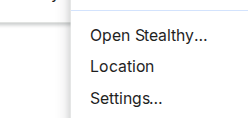
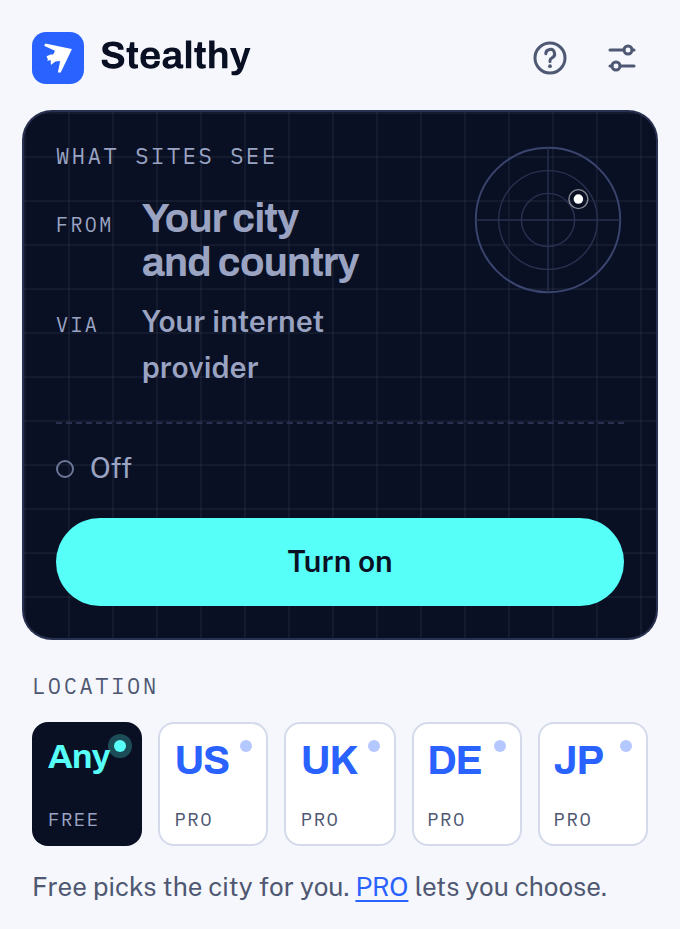
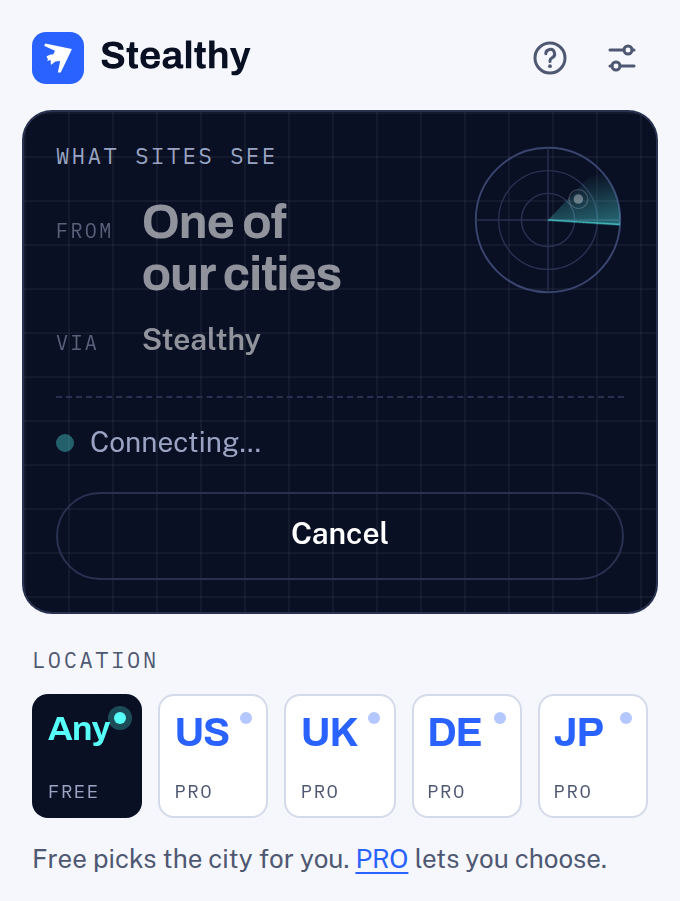
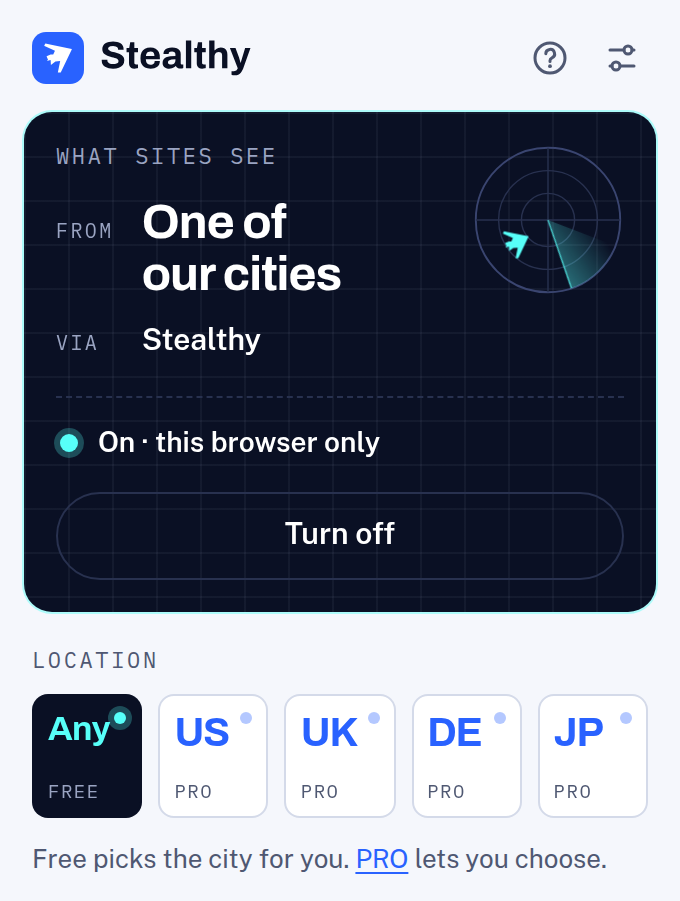
Right-click the button and choose Open Stealthy… The panel shows whether Stealthy is on, what sites are told about where you are, and Turn on or Turn off.
Location
The tags along the bottom of the panel pick a location. Any is free and picks a city for you. United States, United Kingdom, Germany, and Japan are PRO.
Pick a PRO location and, the first time, the panel asks for the login from your welcome email, or offers PRO if you don’t have it yet. You stay where you are until you sign in. In Firefox, the panel sends you to Stealthy’s Settings for this, and Firefox asks once for your permission to send the login. Stealthy remembers the login in this browser, so changing location doesn’t ask again. Change or forget it in Settings.
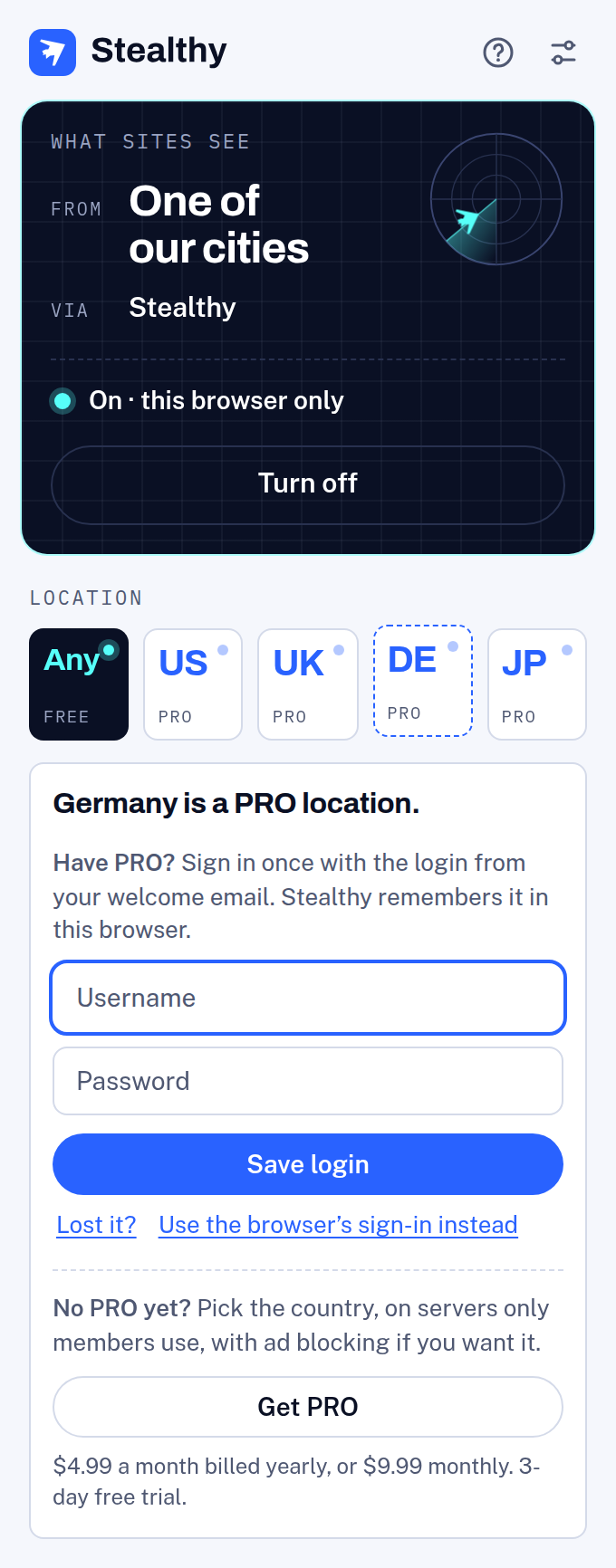
The same locations are under Location in the button’s right-click menu. Picking a PRO one there with no saved login opens the panel with it waiting.
Keyboard
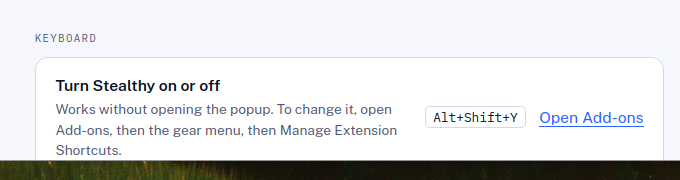
The shortcut turns Stealthy on or off without opening the panel.
- Chrome, Edge, and Opera: Alt+Shift+S
- Firefox: Alt+Shift+Y